
HTML to PDF
Convert your HTML code or files to PDF documents
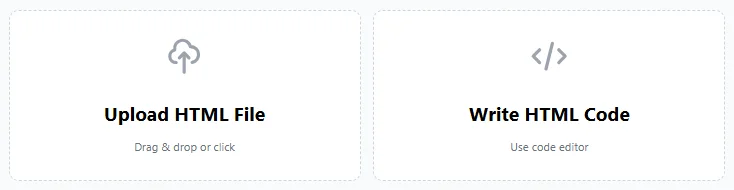
Upload HTML File
Drag & drop or click
HTML Editor
Edit and preview your HTML
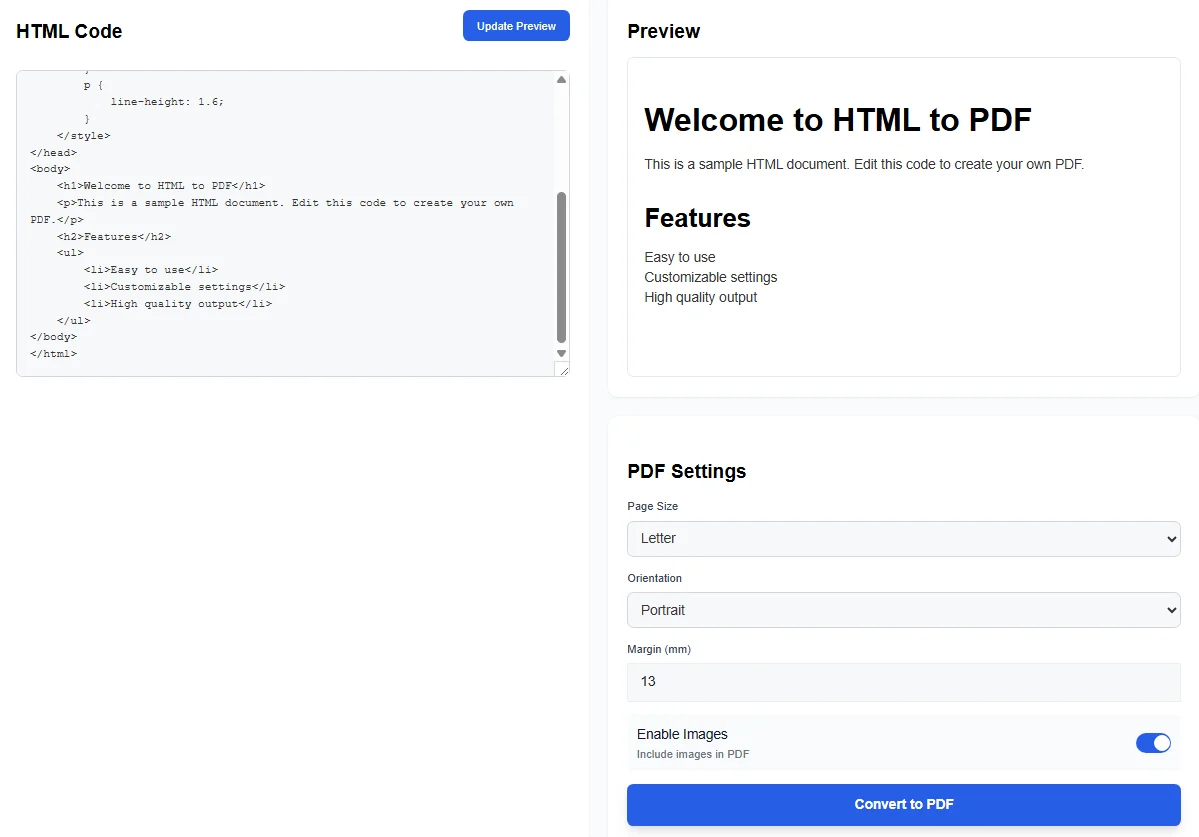
HTML Code
Preview
PDF Settings
Enable Images
Include images in PDF
Converting to PDF…
Processing your HTML
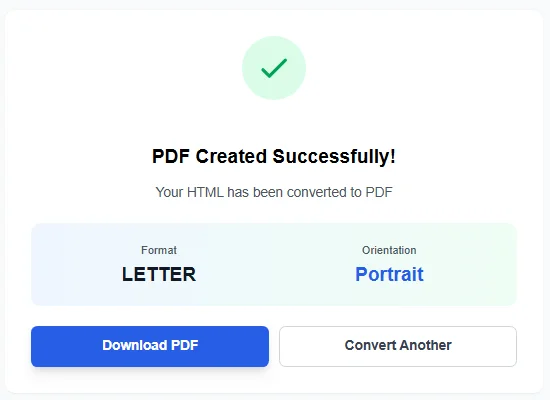
PDF Created Successfully!
Your HTML has been converted to PDF
Format
A4
Orientation
Portrait
What is an HTML to PDF Tool
An HTML to PDF tool turns web content into a clean PDF document. It takes an html file, raw html code, or full web page and converts it into a stable format that looks the same on every device. This helps users save web contents as reliable digital documents.
This type of online tool is useful for reports, guides, and ebooks. A saved pdf format keeps layout, text, and images in place. That makes sharing simple and safe.
Why Convert HTML to PDF
Web pages change often. PDFs do not. When users convert web pages or html files to PDF, the content becomes fixed. Fonts, html tags, and tags stay intact. The result is a readable PDF that works across web browsers.
Many teams use html to pdf tools to archive web pages, create a new pdf, or prepare documents for print. Designers also use it to test pdf layout preview before sharing with clients.
How the HTML to PDF Process Works
The process is simple:
- Upload a simple html file or paste html code.
- The tool reads the document type and structure.
- Content is rendered like a webpage.
- The system creates a pdf document with one or more pdf pages.
This flow helps users convert html files without software installs. Most tools work fully online inside a browser.
Key Features Users Expect
A modern html to pdf converter includes key options:
- Support for multiple web pages in one multi-page pdf.
- Page size control, portrait or landscape mode.
- Image handling for images and single image assets.
- A live pdf previews or pdf layout preview panel.
- Fast download of finished files.
These features help users manage content from the web with ease.
Use Cases for HTML to PDF
This tool fits many needs:
- Save static pages for offline reading.
- Create ebook files from long articles.
- Share documents with fixed layout.
- Help a web designer present work samples.
- Store online html pages as archives.
Some users also rely on a pdf plug-in or pdf browser addon, but a web-based tool avoids setup issues. If you need additional PDF tools, you can unlock PDF files that are password-protected.
Handling Media and Layout
Good converters support images, embedded video, and text blocks. They keep spacing and format close to the source page. Users can turn media on or off to control file size.
The tool can also process a raw html file and still produce readable PDFs. This is helpful when exporting test builds or drafts.
File Management and Downloads
After conversion, users can download the final PDF to their device. The tool handles single file jobs or many files at once. This saves time when working with bulk pages.
Most tools run in standard browser environments and support the wide web without limits. After creating your PDF, you might want to compress PDF files to reduce their size for easier sharing and storage.
Online HTML to PDF vs Desktop Tools
An online tool works on any system. No install is needed. Desktop tools may offer extras, but web tools focus on speed and ease.
Some users compare tools like pdfcrowd or a pdf browser addon, yet a clean online converter often covers all needs. Popular alternatives include ILovePDF’s HTML to PDF converter.
Converting Web Pages at Scale
Teams can convert web pages in batches. This is useful for online convert webpages tasks, such as saving help centers or blogs. The output becomes a set of digital documents ready for sharing.
For advanced document processing needs, you can also convert PDF to XML format to extract structured data from your converted files.
Final Thoughts
An html to pdf converter helps users turn live web pages, html files, or html code into stable PDFs. It protects layout, simplifies sharing, and supports long-term storage.
Whether the goal is a report, archive, or guide, converting HTML to PDF keeps important content safe and readable.